
Professional ECU & TCU Tuning File Service
Manual WinOLS tuning files for workshops and professional tuners worldwide. Order Stage 1, Stage 2, Stage 3, ECO, DSG/TCU tuning and supported ECU software solutions through one simple credit-based workflow.
Custom Tuning Files
ECU and TCU calibration files prepared for your vehicle, engine, ECU software and requested tuning setup.
Manual WinOLS Calibration
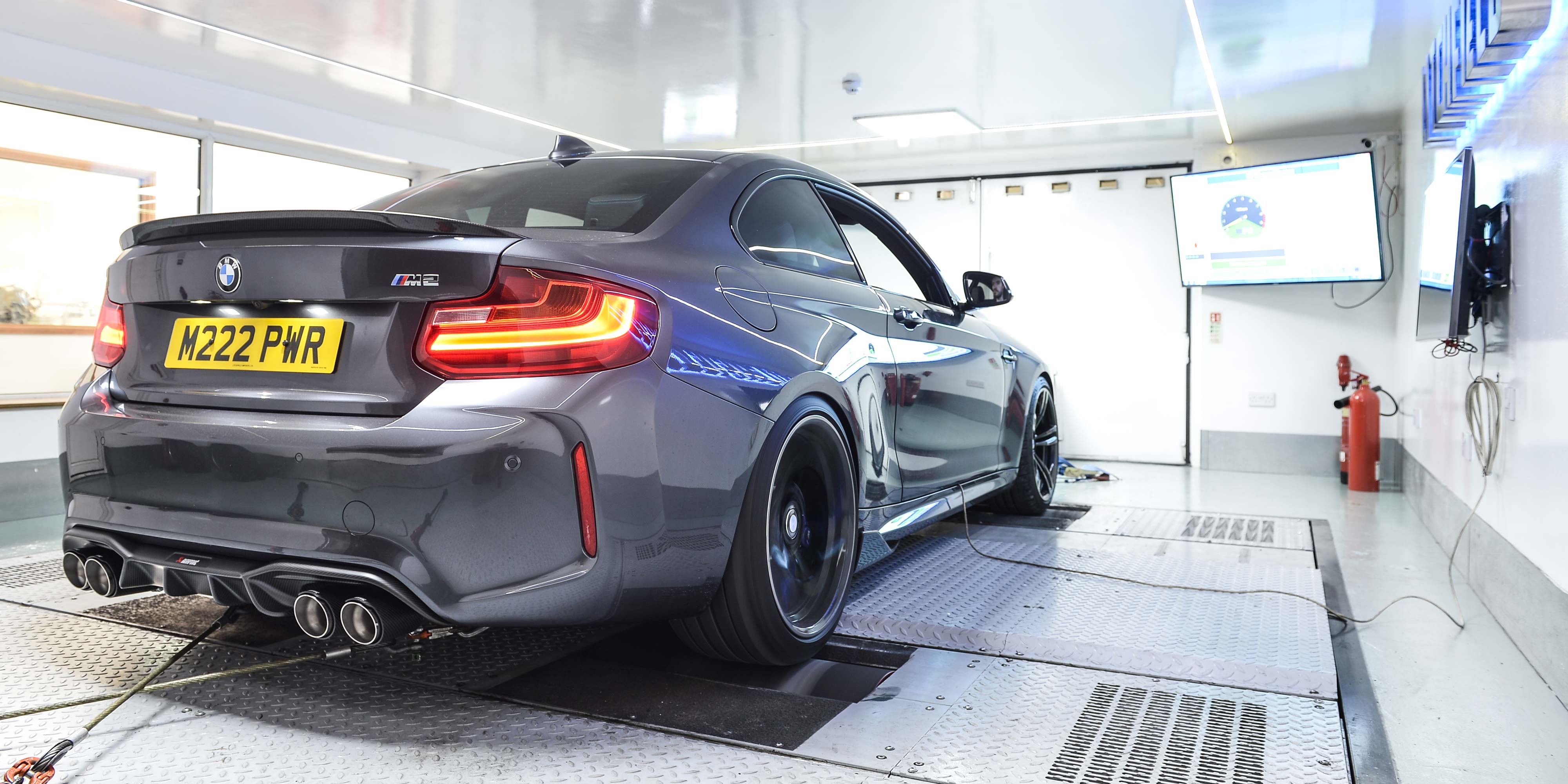
Professional calibration work built around WinOLS, logging, road testing and dyno development.
Performance & Reliability
Power and torque delivery are calibrated with drivability, hardware limits and reliable operation in mind.
One File Service
Stage tuning, ECO calibration, supported ECU options and DSG/automatic transmission tuning in one account.
ECU & TCU tuning services, clearly organized.
Choose the tuning calibration or supported software solution you need, use credits from your account and manage your ECU and TCU file requests through one professional workflow.
Stage 1
Performance calibration for standard hardware with optimized power and torque delivery.
Stage 2
Calibration for upgraded hardware and higher performance requirements.
Stage 3
Custom calibration for more advanced builds and modified hardware configurations.
ECO Tuning
Efficiency-focused calibration for smoother power delivery and everyday driving.
ECU Options
DPF, EGR, AdBlue/SCR, DTC, Vmax and other supported standalone software options.
DSG / Automatic
Transmission tuning including supported torque, shift and launch-control changes.
Built around testing, logging and real calibration work.
OLSPerformance combines manual WinOLS calibration with dyno development, road testing and data logging. The goal is a professional ECU and TCU file service without losing the calibration work behind every solution.
Manual WinOLS solutions
Calibration work built around WinOLS rather than presented as generic one-click tuning.
Dyno & road development
Testing and logging remain part of the development process for supported calibrations.
Credit-based workflow
Buy the package that matches your volume and use credits across the available services.
Simple pricing for professional users.
Use your OLSPerformance account for ECU and transmission requests and check the full service list before ordering.
ECU tuning files made for a professional remapping workflow.
OLSPerformance is an ECU and TCU tuning file service for workshops, remapping professionals and automotive tuning businesses. Upload the original ECU or transmission file, select the required calibration and options, and manage the request through your OLSPerformance account.
Available services include Stage 1, Stage 2 and Stage 3 performance tuning, ECO tuning, DSG and automatic transmission calibration, plus supported ECU software options. Calibration work is focused on a clean, usable result rather than generic one-click files.
Check the tuning file service prices, create your account and use credits across supported ECU and TCU requests.
Order your custom ECU or TCU tuning file in 4 steps.
Create an account, add credits, upload the original file and receive the completed tuning file through your OLSPerformance workflow.
Create account
Register to access the file service and manage your tuning requests.
Buy credits
Choose a credit package that matches your tuning volume.
Upload file
Select the required calibration and upload the original ECU or TCU file.
Receive tuned file
Download the modified file from your account when it is completed.
Ready for your next tuning file?
Create an account, buy credits and start your next ECU or TCU tuning request.
